
本站一直使用的是redis缓存,使用的插件为,这个插件我看了下还有个高性能模式Zstandard压缩,但是没有写怎么配置的,我就找了些教程,发现大家写的还有些问题。我就单独写一篇。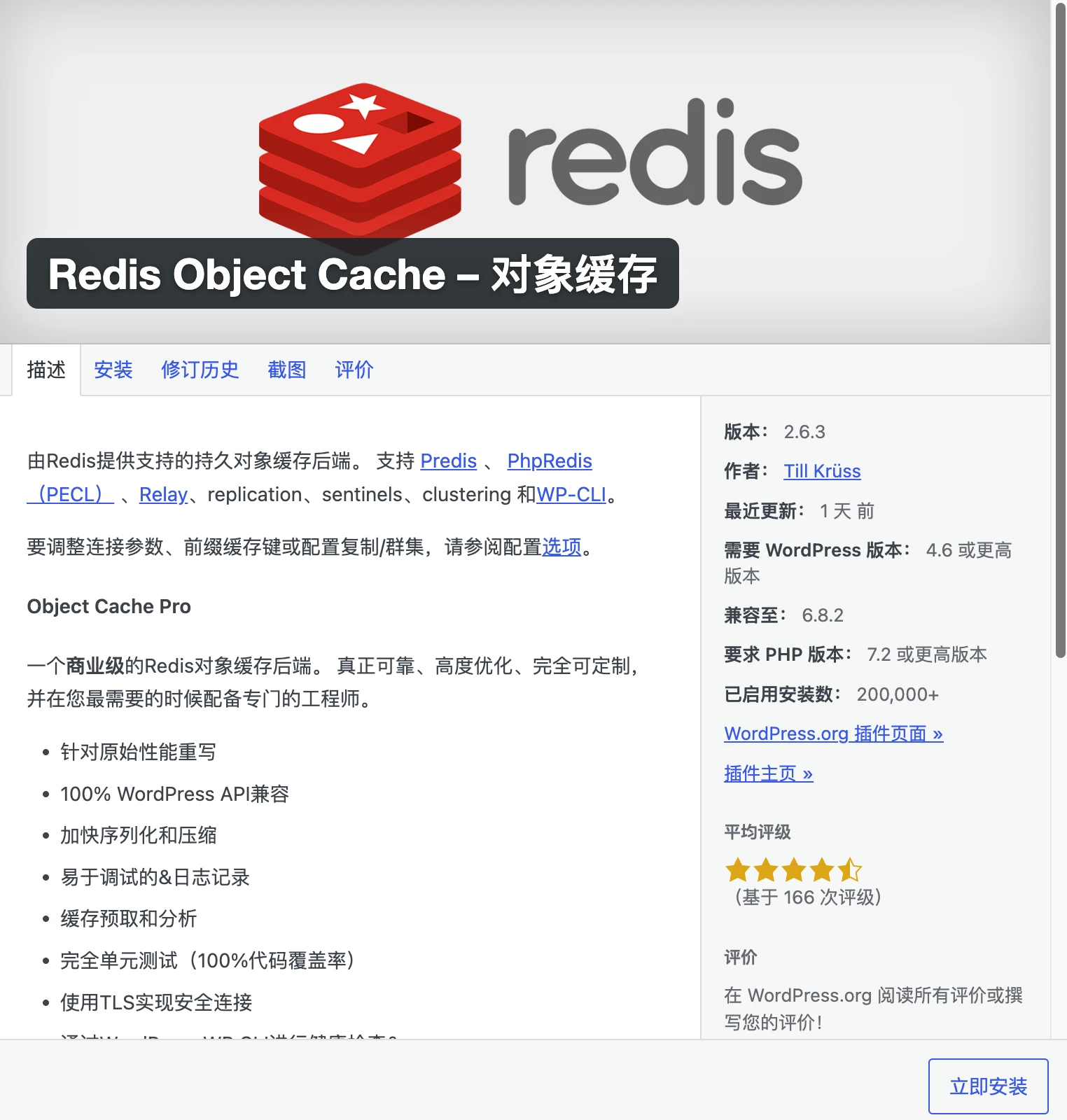
- 在宝塔面板里卸载掉redis,不管是php里,还是宝塔的软件商店里都卸载掉,
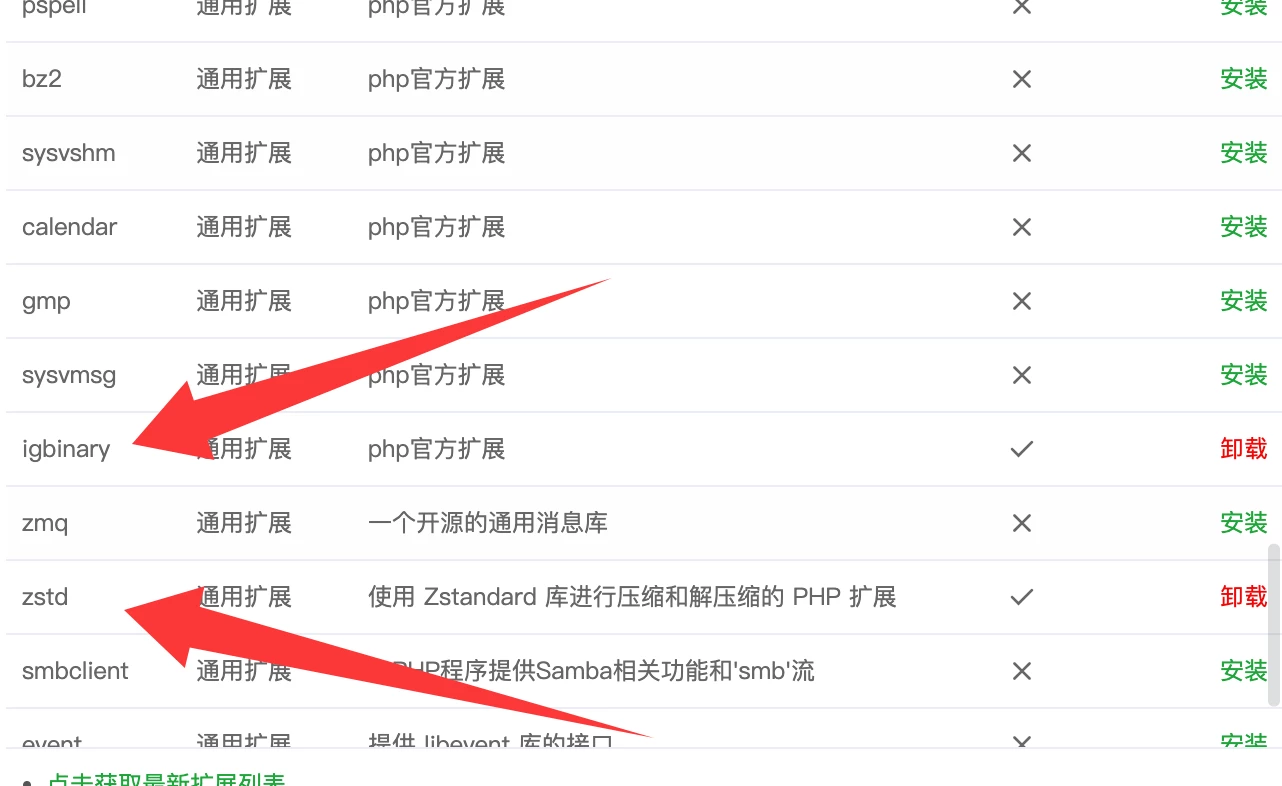
- 在PHP里分别安装igbinary和zstd通用扩展
- 打开终端,我们通过命令编译redis,这里我分别放php7.4、php8.0和php8.1的代码,其实主要是修改php的路径
php7.4
apt install libzstd-dev -y
cd ~
wget https://pecl.php.net/get/redis -O redis.tgz
tar -zxvf redis.tgz
cd ~/redis-*
/www/server/php/74/bin/phpize
./configure --with-php-config=/www/server/php/74/bin/php-config --enable-redis-igbinary --enable-redis-zstd
make && make install
echo -e "\n[redis]\nextension = /www/server/php/74/lib/php/extensions/no-debug-non-zts-20190902/redis.so\n" >> /www/server/php/74/etc/php.ini
echo -e "\n[redis]\nextension = /www/server/php/74/lib/php/extensions/no-debug-non-zts-20190902/redis.so\n" >> /www/server/php/74/etc/php-cli.ini
/etc/init.d/php-fpm-74 reload
cd ~ && rm -rf ~/redis-* ~/redis.tgz
php8.0
apt install libzstd-dev -y
cd ~
wget https://pecl.php.net/get/redis -O redis.tgz
tar -zxvf redis.tgz
cd ~/redis-*
/www/server/php/80/bin/phpize
./configure --with-php-config=/www/server/php/80/bin/php-config --enable-redis-igbinary --enable-redis-zstd
make && make install
echo -e "\n[redis]\nextension = /www/server/php/80/lib/php/extensions/no-debug-non-zts-20200930/redis.so\n" >> /www/server/php/80/etc/php.ini
echo -e "\n[redis]\nextension = /www/server/php/80/lib/php/extensions/no-debug-non-zts-20200930/redis.so\n" >> /www/server/php/80/etc/php-cli.ini
/etc/init.d/php-fpm-80 reload
cd ~ && rm -rf ~/redis-* ~/redis.tgz
php8.1
apt install libzstd-dev -y
cd ~
wget https://pecl.php.net/get/redis -O redis.tgz
tar -zxvf redis.tgz
cd ~/redis-*
/www/server/php/81/bin/phpize
./configure --with-php-config=/www/server/php/81/bin/php-config --enable-redis-igbinary --enable-redis-zstd
make && make install
echo -e "\n[redis]\nextension = /www/server/php/81/lib/php/extensions/no-debug-non-zts-20210902/redis.so\n" >> /www/server/php/81/etc/php.ini
echo -e "\n[redis]\nextension = /www/server/php/81/lib/php/extensions/no-debug-non-zts-20210902/redis.so\n" >> /www/server/php/81/etc/php-cli.ini
/etc/init.d/php-fpm-81 reload
cd ~ && rm -rf ~/redis-* ~/redis.tgz- 在宝塔的软件商店里,我们搜索redis,安装即可,至此环境已安装完毕
- 修改wp-config,插入
define('WP_REDIS_CONFIG', [
'token' => '...',// 如果本站下载的Redis破解版这里用:e279430effe043b8c17d3f3c751c4c0846bc70c97f0eaaea766b4079001c
'host' => '127.0.0.1',
'port' => 6379,
'database' => 0, // change for each site
'timeout' => 0.5,
'read_timeout' => 0.5,
'retry_interval' => 10,
'retries' => 3,
'backoff' => 'smart',
'compression' => 'zstd', // `zstd` compresses smaller, `lz4` compresses faster
'serializer' => 'igbinary',
'async_flush' => true, // 数据异步刷新
'split_alloptions' => true,
'prefetch' => true,
'strict' => true,
'debug' => false,
'save_commands' => false,
'maxttl' => 3600 * 24 * 7, // 缓存生存时间: 7x24 小时,如果30天就把7换成30
]);

define('WP_REDIS_DISABLED', getenv('WP_REDIS_DISABLED') ?: false);
这个时候就可以在后台启用redis缓存的高性能模式也就是Zstandard压缩了。附件为截止到文章发布日期最新版本的Redis Object Cache Pro破解版,如果有更新,请留言。由于mac打包文件会携带Macos空文件夹,请解压后上传到网站的/www/wwwroot/域名/wp-content/plugins目录下。
声明:本站所有软件资源版权均属于原作者所有,这里所提供资源均只能用于参考学习用,请勿直接商用。若由于商用引起版权纠纷,一切责任均由使用者承担。